
The Shipments list shows every order assigned to your company. Filter by status to find what you need.
The Shipments List
Open Shipments from the main navigation. Every order assigned to you appears here.
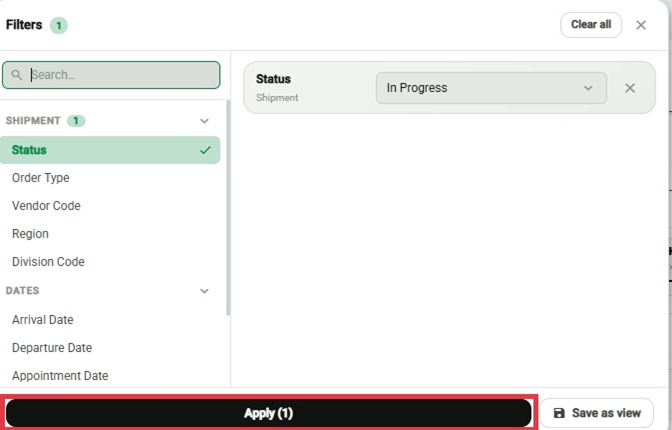
Filtering by Status
Filter the list to show only orders in one status:
Pending
Accepted
In Progress
Completed
Invoiced
Declined
Opening a Shipment
Click any order in the list to open its detail panel.
Important
These filters are Shipment Status only. Invoice Status is tracked separately — see Understanding Invoice Statuses.